Project management for interior designers
Run every interior design project from one app — tasks, daily progress reports, designs, materials, attendance and team coordination. Built for solo designers, firms and agencies in India.
InteriorOS replaces WhatsApp + Excel + Tally + Google Drive with one connected platform built specifically for Indian interior design studios. 10 specialized tabs per project, 8 role permissions, daily site reports with auto-PDF, all cross-linked.
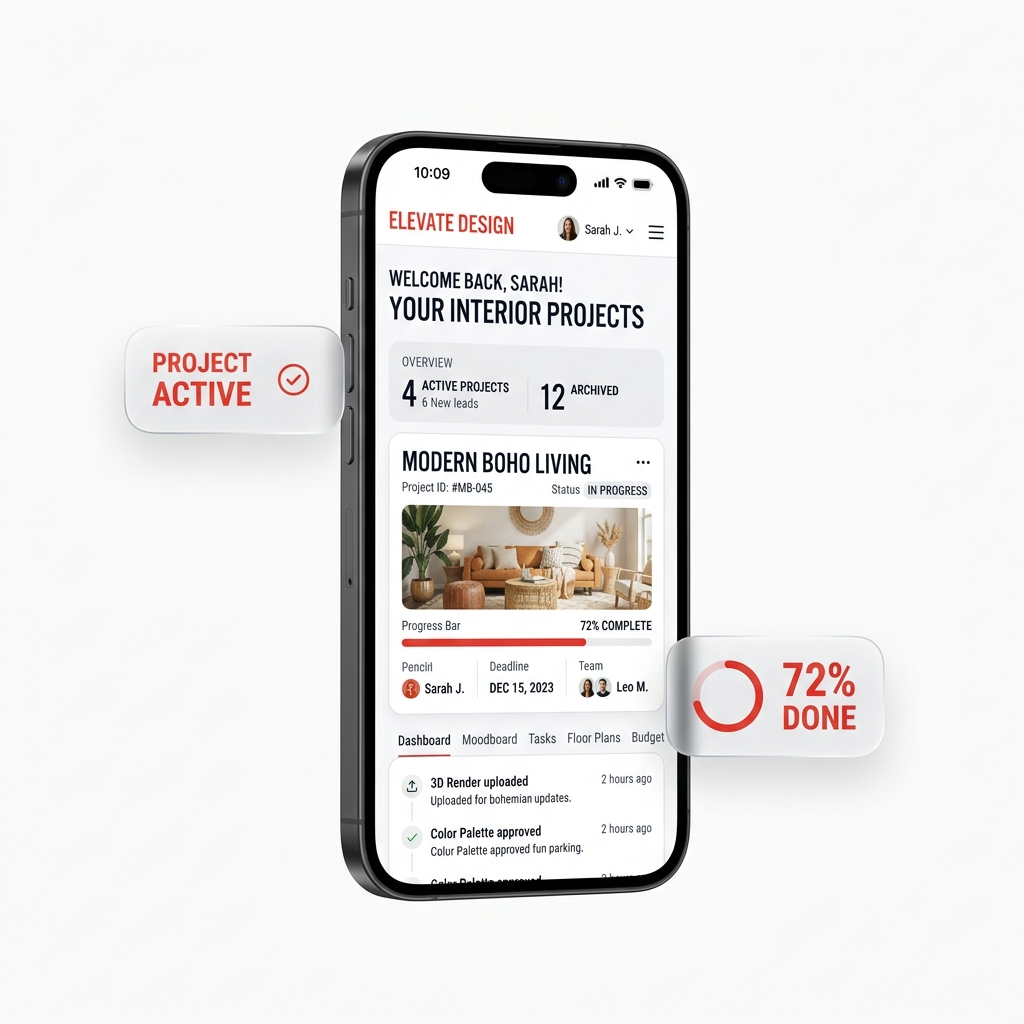
Everything you need in one app
Stop juggling WhatsApp groups, Excel sheets and paper invoices. InteriorOS gives you the four pillars every interior project needs.
Project workspace
10 specialized tabs per project — Overview, Tasks, Designs, Materials, DPR, Site, Attendance, and more.
Daily Progress Reports
Supervisor logs the day in 60 seconds. Auto-generates a polished client PDF with photos and hours.
Material requests
Site engineer raises → owner approves → mark delivered. Full audit trail on every order.
Design approvals
Upload drawings, mood-boards and renders. Mark each as approved per file. Clients see only approved work.
One project, 10 specialized workspaces
Every project opens to a deep workspace — each tab serves a different operational concern, but they all share the same project context. A transaction shows the party. A party shows their balance. A material request shows pending approvals.
- Overview tab — KPIs, progress %, late warnings, spend breakdown
- Tasks tab — assignable to-dos with due dates and status
- Designs & Laminates — per-file approval workflow
- Materials & Material Requests — library-linked + approval chain
- DPR & Site — daily updates rolled into client PDFs
- Attendance — daily check-in/out with GPS
- Whiteboard — built-in Excalidraw editor for in-meeting sketches
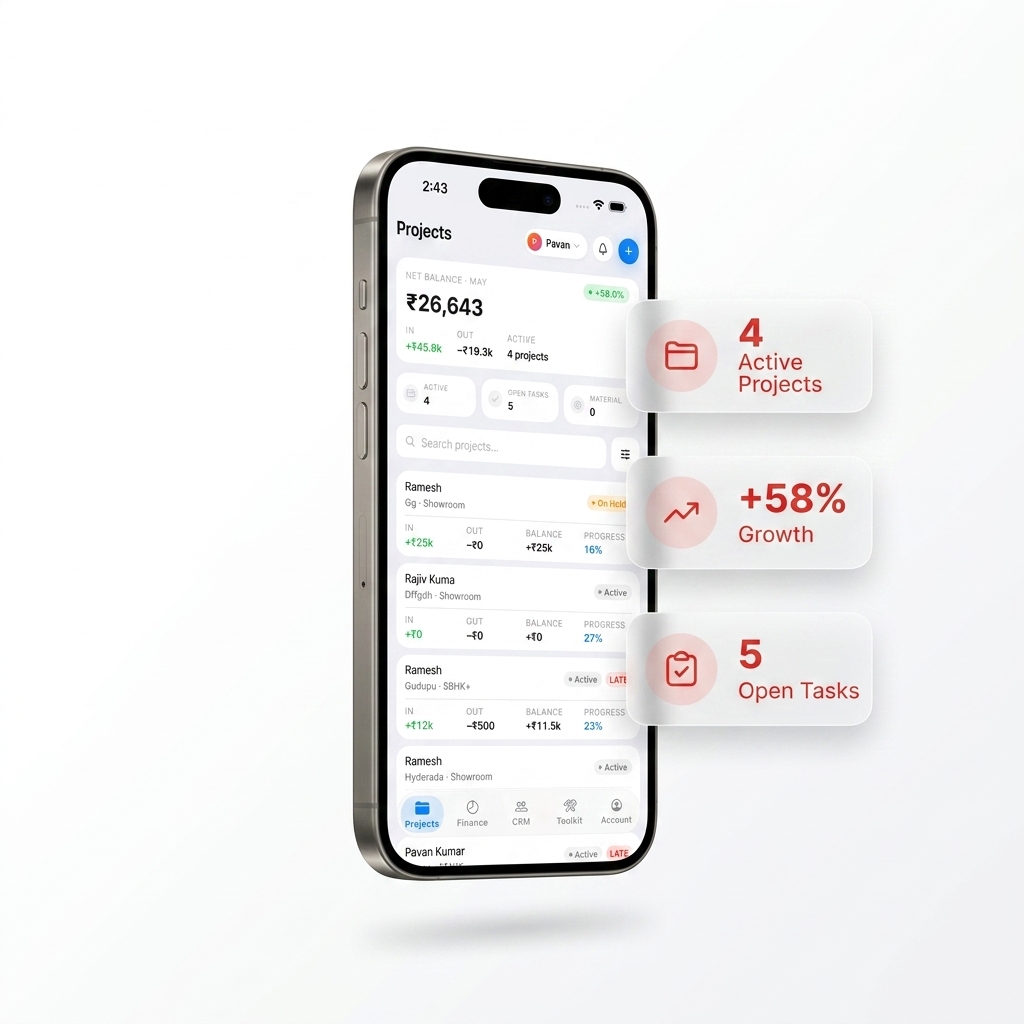
End the "send me today's update" WhatsApp message
The supervisor opens the DPR tab each morning, taps + Add Entry, attaches photos, marks weather, logs hours and materials consumed. The owner gets a polished PDF auto-generated for the client at the end of the day. No more chasing supervisors at 11 PM for site updates.
- Photos from camera or library, multiple per entry
- Hours worked + workers present
- Materials consumed (linked to project library)
- Weather conditions and site notes
- Auto-PDF for any date range, shareable in 1 tap
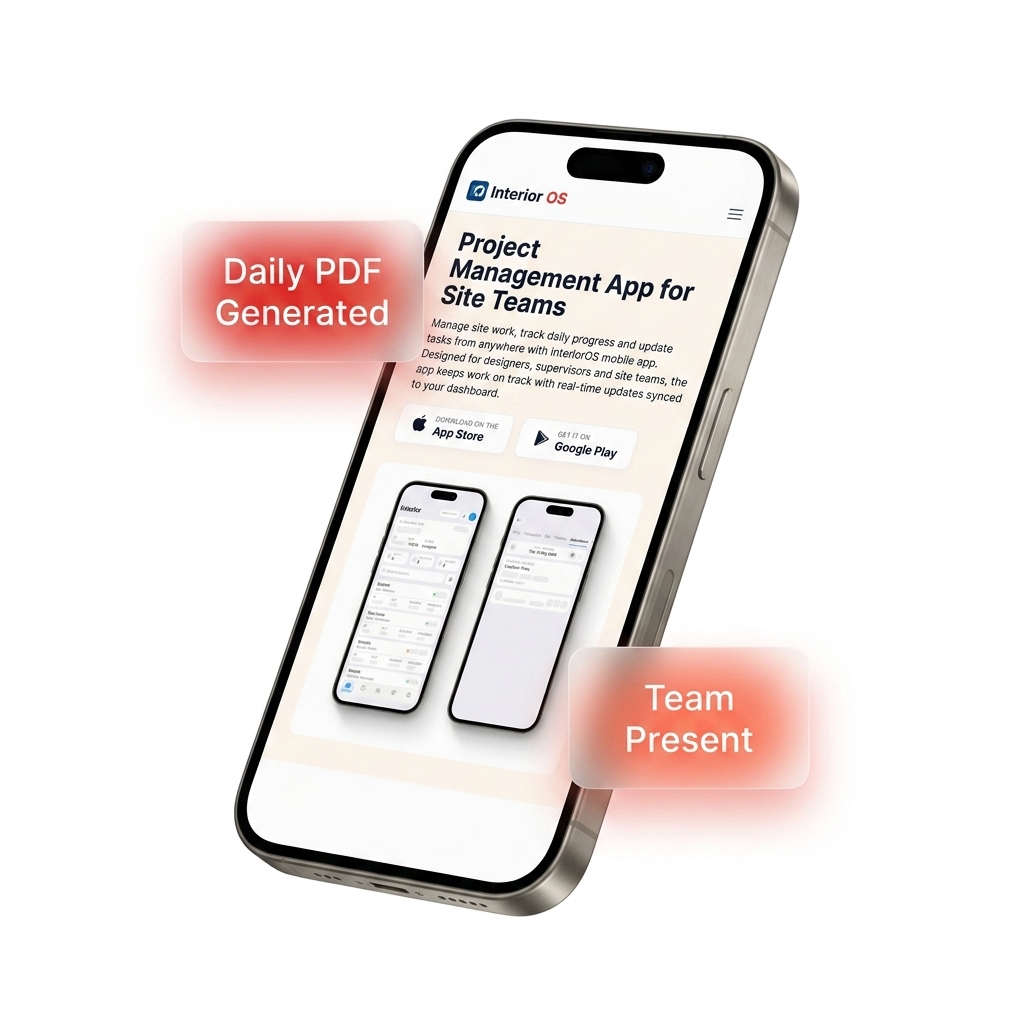
Audit trail on every order, no more voice notes
Site engineer raises a material request from the project (qty + unit + photo of where it's needed). The owner gets a notification, reviews and either approves or rejects with a reason. Once delivered, the supervisor marks it received. Every step is timestamped — no disputes, no lost orders.
- Pick from your studio's material library
- Free-text fallback for one-off items
- Owner gets push notification on every new request
- Approve / Reject with audit log
- Delivery confirmation with photo proof
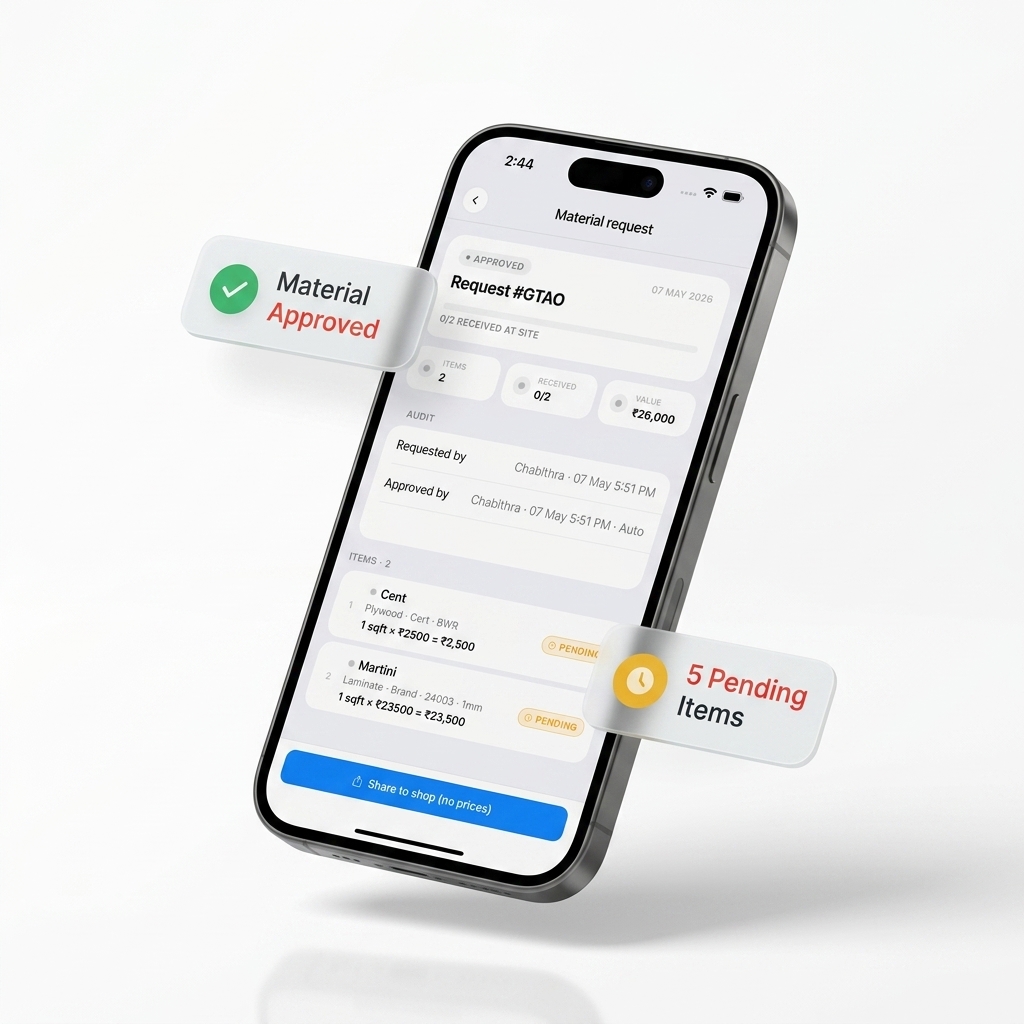
From kick-off to handover in one app
A single workflow that runs every interior design project from start to finish.
Create the project
Name, client, type, dates, value. Add team and client.
Upload designs
Drawings, mood-boards, renders. Mark approved per file.
Run the build
Daily DPR, material requests, attendance.
Track money
Per-project ledger. Approve expenses. Live margin %.
Handover
PDF reports for client, ledger for accountant.
From WhatsApp chaos to one connected app
Most interior studios in India lose money every month from the duct-tape stack. Here's what changes.
Without InteriorOS
- Daily site updates buried in WhatsApp groups
- Client calls you at 11 PM asking for updates
- Material requests via voice notes — no audit trail
- Designs emailed back and forth with version chaos
- Team can't tell what's pending without asking
- Multiple supervisors, no single source of truth
With InteriorOS
- DPR auto-generates client PDFs every evening
- Client sees their project in their own client view
- Material requests with full approve → deliver chain
- Designs & laminates approved in-app, per file
- Tasks tab shows what's pending and who owns it
- One project workspace, every team sees the same data
Common questions
What is the best project management software for interior designers in India?
Can I track multiple interior design projects at once?
Does InteriorOS work for solo designers?
What is a Daily Progress Report (DPR)?
Can clients see the project too?
Does it work offline at the construction site?
Start your first project today
Free forever for 1 project. No credit card. Set up your studio in under 5 minutes.